

Microsoft Teams Rooms Management
Single Pane of Glass for Every MTR.
Monitor, manage, and troubleshoot your entire MTR estate—regardless of hardware vendor. Deep-dive telemetry meets device-agnostic control.
Book a Demo
Speak with an MTR specialist today.
Thank you!
Request sent. A notification has been dispatched to support@zapperr.co.nz
Universal Vendor Support
Tired of Switching Between 5 Different Management Portals?
Stop Managing Hardware Silos. Most MTR environments suffer from vendor fragmentation. Switching between proprietary portals is inefficient and creates blind spots.
Consolidated Silos
AVM-360 bridges the gap with a vendor-neutral platform.
Total Visibility
Deep-dive into MTR data across your global footprint.
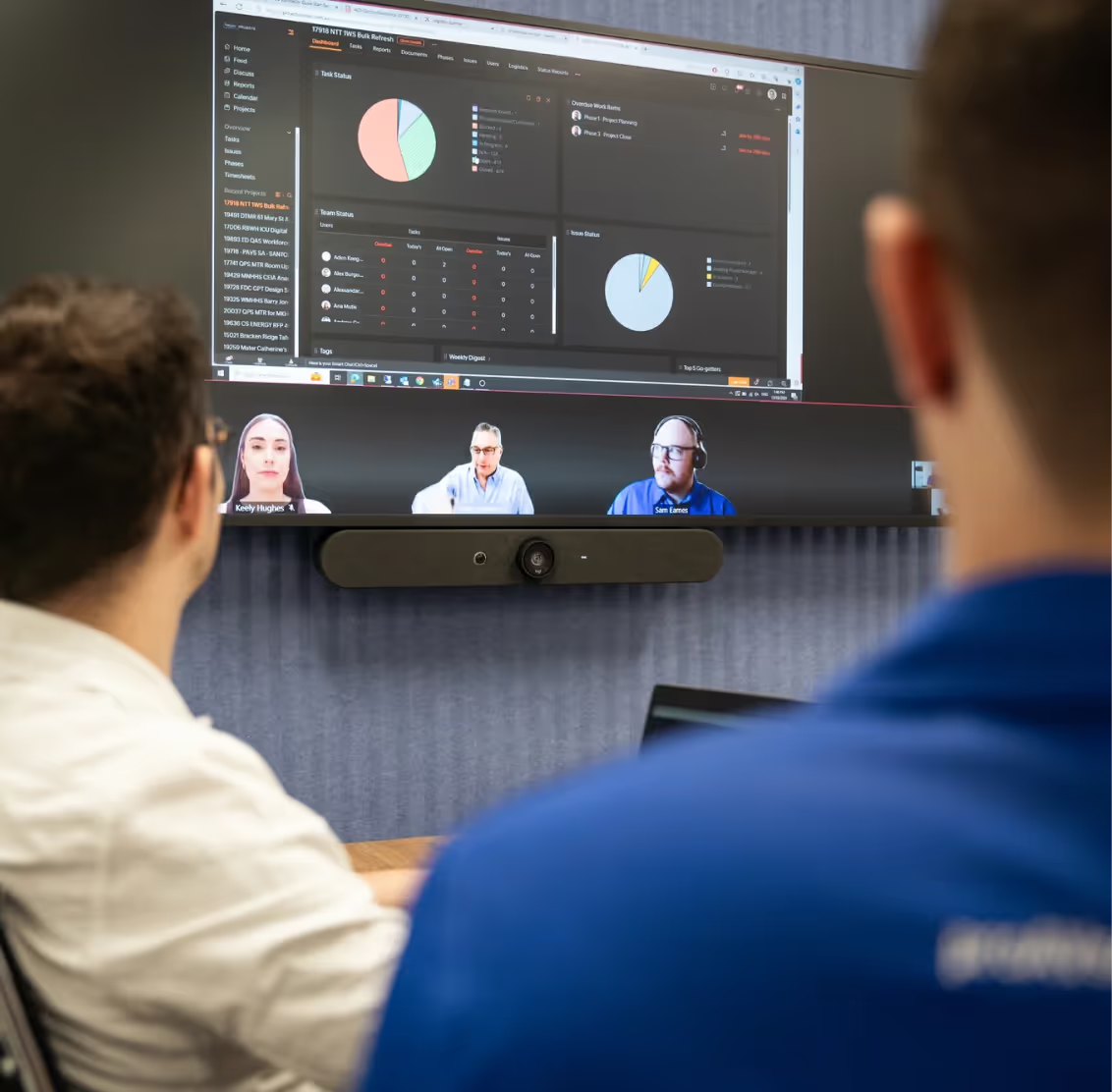
Visualize Health at Scale
Our signature Honeycomb Fault Grid gives your help desk a real-time, color-coded map of every room.
Instant Triage
See exactly which component is failing—Camera, Mic, or Console—at a glance.
Hierarchical View
Drill down from Global regions to specific floors and rooms in just two clicks.
Native MTR Data. Vendor-Neutral Control.
AVM-360 doesn't just skim the surface. We pull the raw telemetry you need to stay online.
Peripheral Status
Real-time health of USB-connected cameras, speakers, and HID devices.
Log Forensics
Access device-specific logs for rapid post-incident analysis.
Remote Remediation
Execute remote reboots and config changes from one dashboard.
Ready to eliminate the guesswork from your Meeting Rooms?
Join the companies moving from "Break-Fix" to "Proactive Management."
Request a Personalized Demo